

How to use Lumiio
Watch our video 2 minute video to learn how to use Lumiio products.
How Lumiio works
Purchase Lumiio wristbands or hangtags, upload essential personal information to the tag via the free Lumiio app and get started!
Step 1
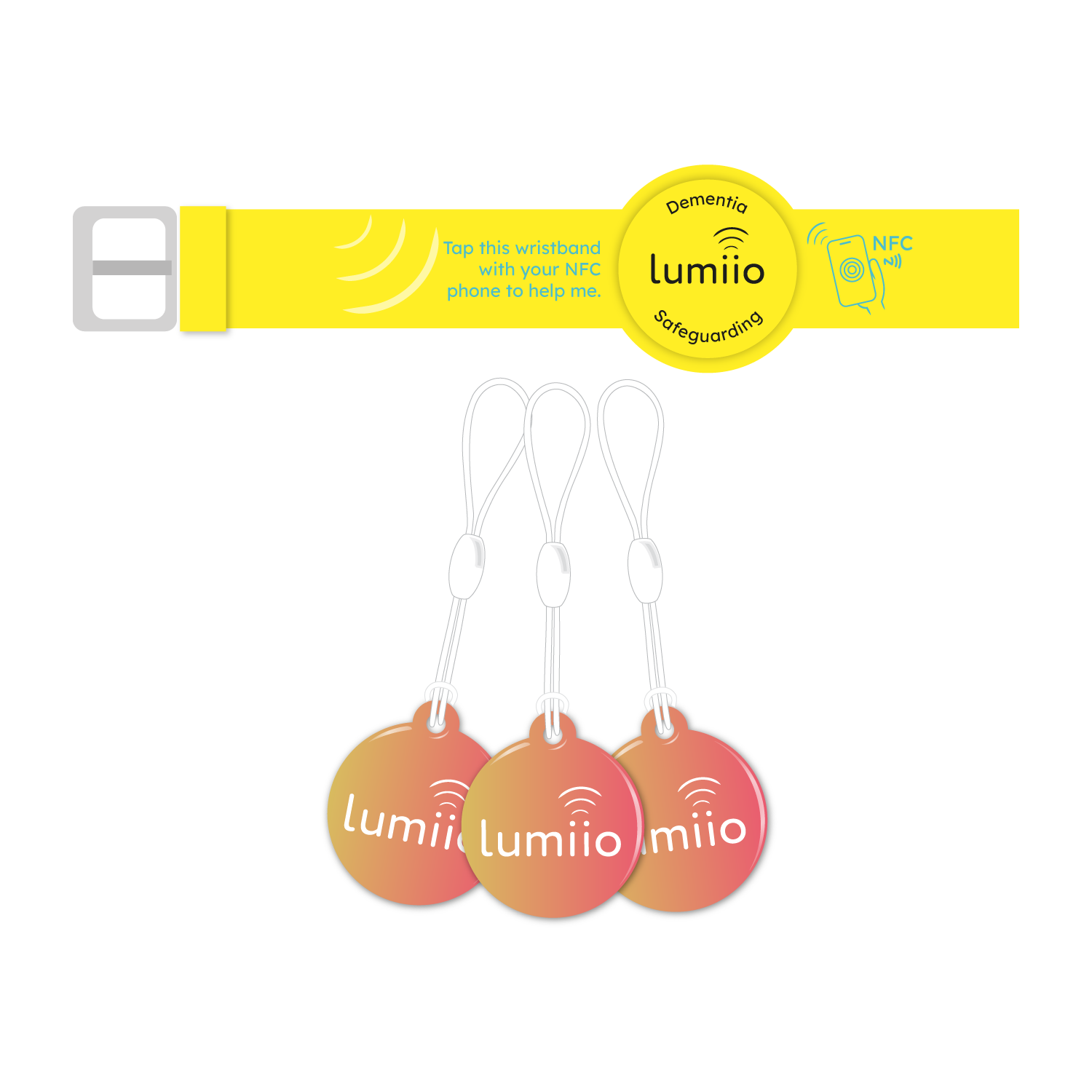
Get your Lumiio safeguarding device from our growing collection.
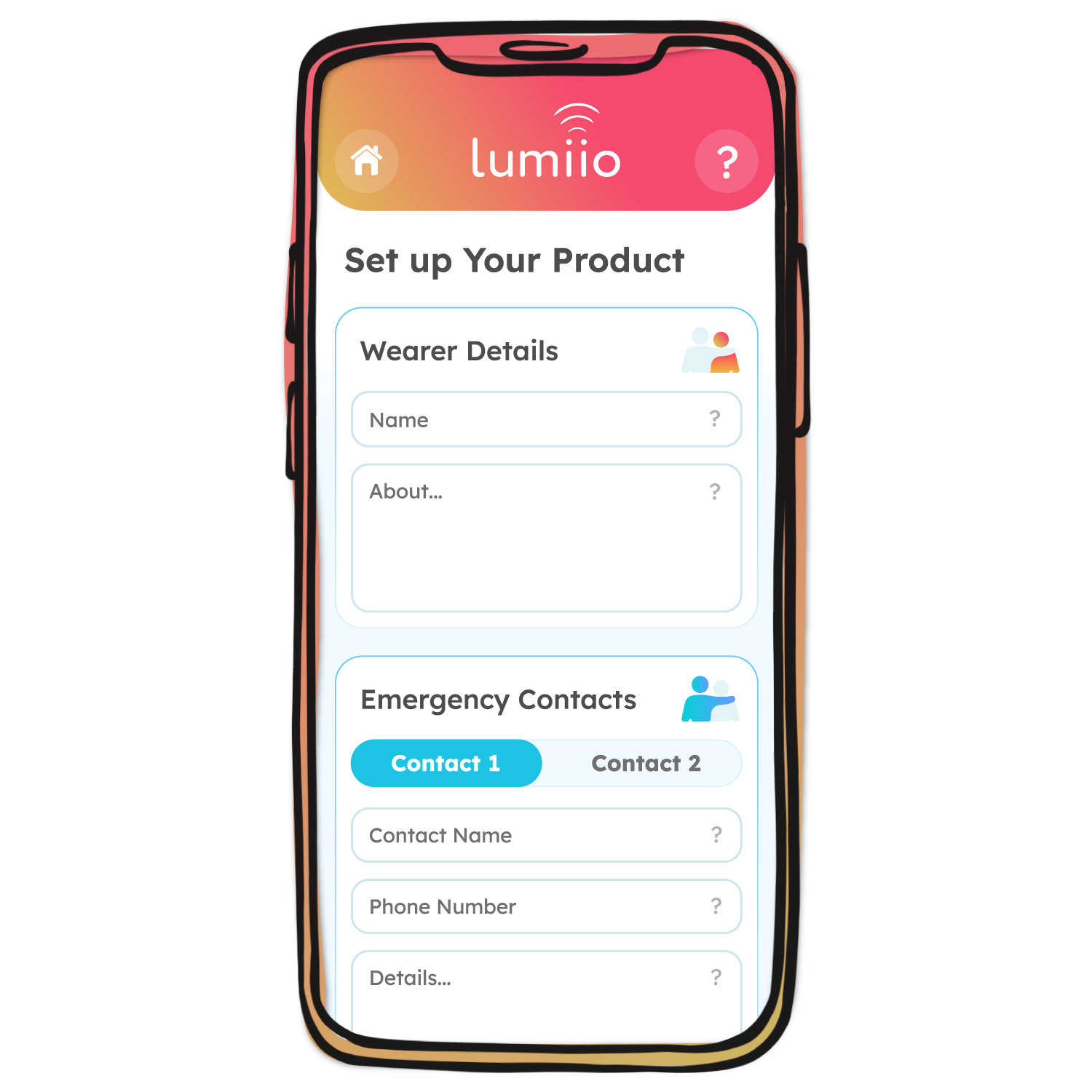
Search for ‘Lumiio Safeguarding’ in your app store, download the free Lumiio app then press ‘Start’.
Step 2
Scan your Lumiio device to get started, then fill in all the wearer’s and emergency contact’s information
When finished, press ‘Save my Details’ and hold the phone over your Lumiio device to upload the data (top edge on iPhone, middle back for Android).
Step 3
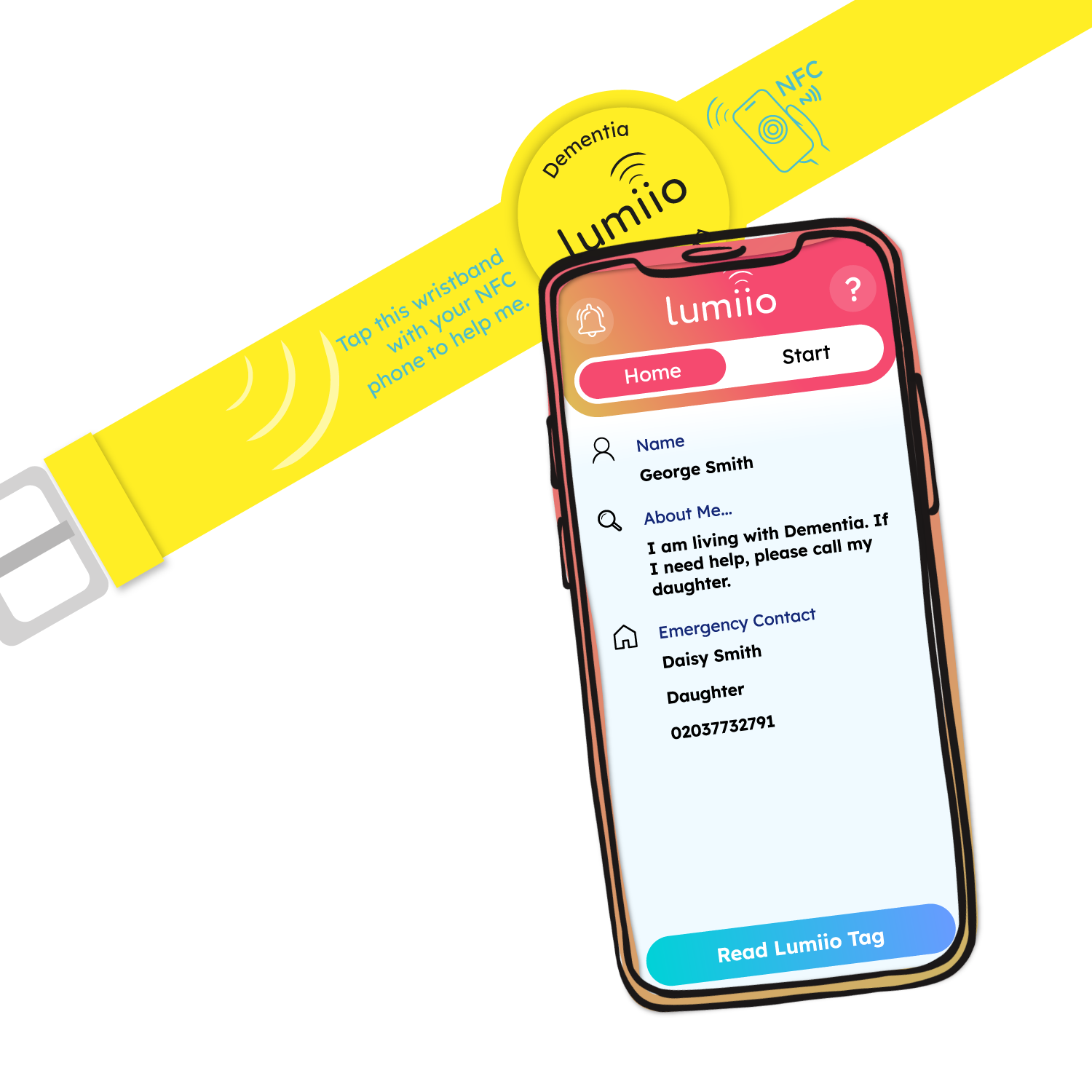
Instantly access the information using the 'Read' button from the Lumiio.io ‘Home’ tab. Or close the app and simply tap with your smartphone to view the information!
The Lumiio app is not required to read the information on the device.
Stored Data
The Lumiio app allows you to change your data as often as you like.
Your Name
Enter your first name, last name or nickname.
About Me
Include details such as 'I am living with dementia' or 'I have a peanut allergy', details of care information, and more.
Emergency Contact
Add 1 or 2 emergency contact details including phone number, contact information and email.
Integrated NFC Technology
Compatible With Modern Smartphones
Lumiio uses cutting edge NFC technology to safely store and transfer your information. NFC is built into all modern iPhone and Android smartphones.
Secure Data Storage
With Lumiio, your data is stored directly on the product, so access is only possible through physical contact with your tag. No tracking, no leaks - just simple, reliable privacy.
App Free Access
Because all of your essential information is stored on the Lumiio product itself, any NFC enabled smartphone can access it with a simple tap & hold - no app installation needed.
No Batteries or Charging Required
Lumiio tags do not need batteries and can store information for over 5 years. No ongoing cost, no unnecessary environmental waste.

Lumiio App
Lumiio is free to download on both the App Store and Google Play Store.
Designed with flexibility and ease of use in mind, the Lumiio app allows users to manage and update their data at any time.
Whether you need to make frequent adjustments or occasional changes, the app ensures that your information remains current and accessible whenever you need it.
