

How to use the Lumiio Kids Collection
Watch our video to learn how to use Lumiio Kids products.
How Lumiio's Kids Collection Works
Purchase your Lumiio Kids wristbands, upload essential personal information to the tag via the free Lumiio app and get started!

Step 1
Get your Lumiio Kids emergency ID wristband from our growing collection.
Search for ‘Lumiio Safeguarding’ and download the free Lumiio app, then press ‘Start’.
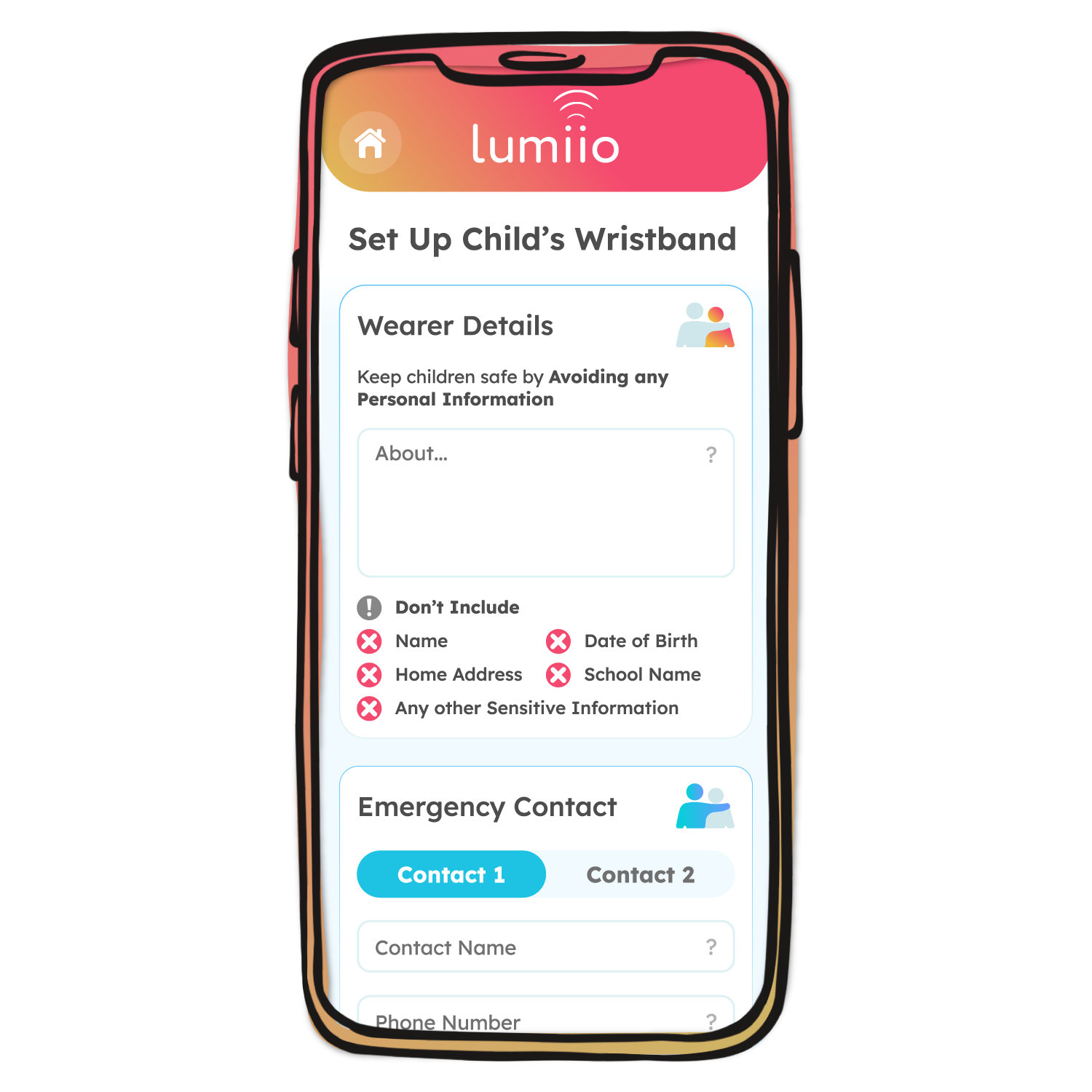
Step 2
Scan the wristband to get started, then add in the meeting point, emergency contacts, and the child's essential information (like allergies or communication difficulties).
When finished, press ‘Save my Details’ and hold the phone over your Lumiio product to upload the data (top edge on iPhone, middle back for Android).
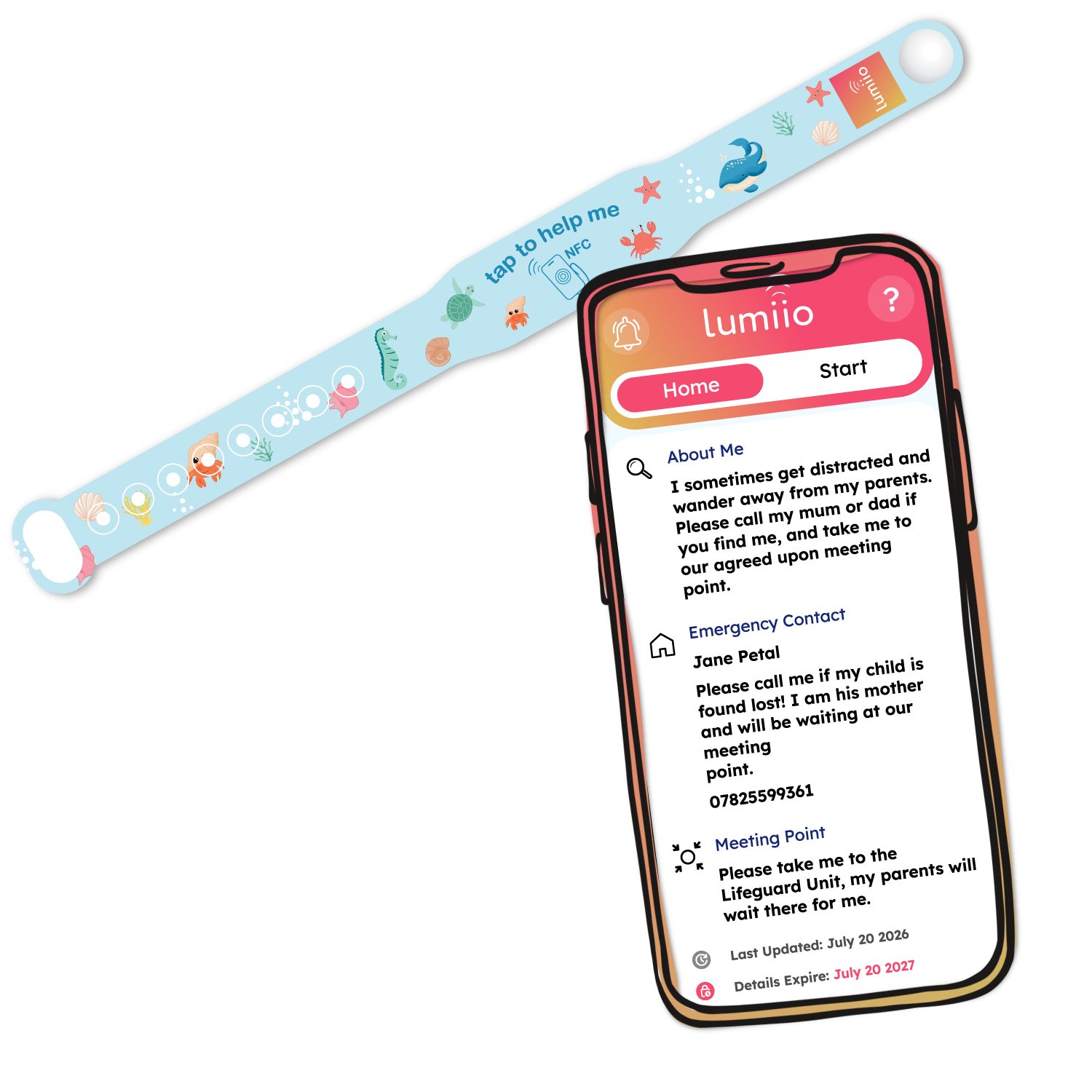
Step 3
Instantly access the information using the 'Read' button in the Lumiio app ‘Home’ tab- or close the app and just tap & hold to scan the tag!
The Lumiio app is not required to read the tags.
Stored Data
The Lumiio app allows you to change your data as often as you like, so your little one's essential details and emergency contacts are always up to date.
Wearer Details
Only include information that would be essential in an emergency, this could be allergies, communication difficulties, or other conditions like diabetes.
Never include sensitive personal information about your child, like their name, home address, or date of birth.
Meeting Point
Include an agreed upon meeting point for the area or attraction you are visiting, this could be the lifeguard station on the beach, entrance of the theme park, or fountain in the middle of the park.
Ensure this information is kept up to date for a quick and smooth reunion with your little one.
Emergency Contact
Add 1 or 2 emergency contacts including their phone number and contact information (e.g., relationship to wearer).
Whether this is the child's parents, guardian, teacher, or other caregivers, this information can be regularly updated.
Integrated NFC Technology
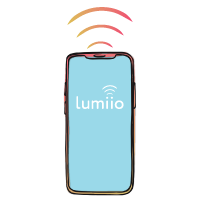
Compatible With Modern Smartphones
Lumiio uses cutting edge NFC technology to safely store and transfer your information. NFC is built into all modern iPhone and Android smartphones.
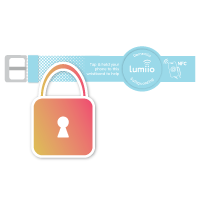
Secure Data Storage
With Lumiio, your data is stored directly on the product, so access is only possible through physical contact with your tag. No tracking, no leaks - just simple, reliable privacy.
App Free Access
Because all of your essential information is stored on the Lumiio product itself, any NFC enabled smartphone can access it with a simple tap & hold - no app installation needed.
No Batteries or Charging Required
Lumiio tags do not need batteries and can store information for over 5 years. No ongoing cost, no unnecessary environmental waste.

Lumiio App
Lumiio is free to download on both the App Store and Google Play Store.
Designed with flexibility and ease of use in mind, the Lumiio app allows users to manage and update their data at any time.
Whether you need to make frequent adjustments or occasional changes, the app ensures that your information remains current and accessible whenever you need it.
